Encrypt your mail before it ever leaves your phone.
iPGMail brings end-to-end OpenPGP encryption to iPhone and iPad. It now supports post-quantum cryptography as specified in RFC 9980, protecting messages against future quantum computers. Send encrypted email, decrypt PGP messages, and manage your keys on-device — compatible with GnuPG, GPG Tools, ProtonMail and every other RFC 4880 / 9580 implementation.
No subscription. No account. No in-app purchases. One payment of $3.99.
Six reasons it stays on people's home screens.
Open standards compliant
Fully implements OpenPGP (RFC 4880, 6637, 9580) and post-quantum OpenPGP (RFC 9980), so your messages work with GnuPG, GPG Tools for Mac, ProtonMail and every other PGP-compatible client.
One price, everything included
No in-app purchases, no subscriptions, no hidden fees. Fully functional from day one on both iPhone and iPad.
Advanced key management
Generate RSA, ECDSA and EdDSA keys on device. Import existing keys, export public keys, and hold multiple keypairs behind Face ID or Touch ID.
Secure by design
Private keys are held at the maximum level of protection iOS provides. If the device is stolen, your keys stay behind your passphrase and the device's own security.
Works with any mail app
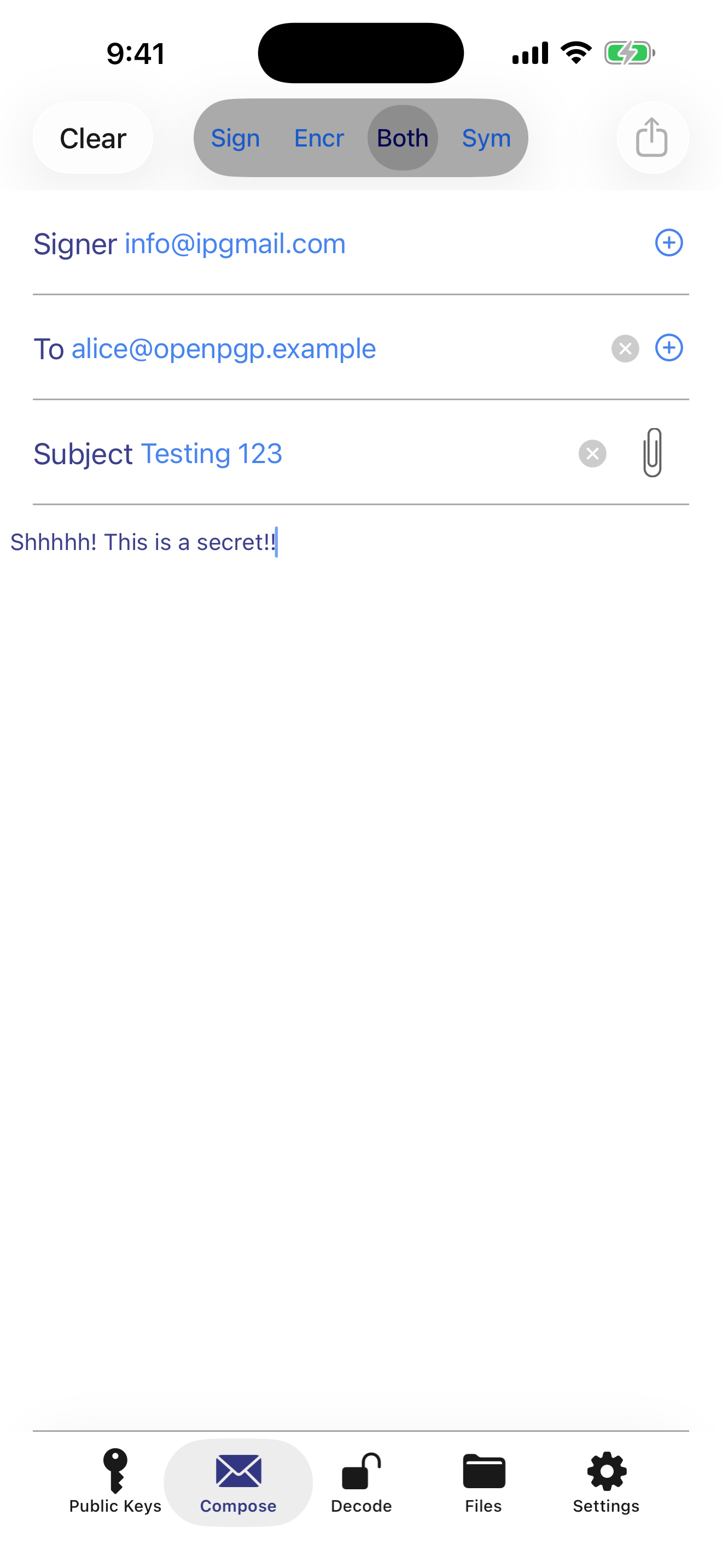
Encrypt before sending through Gmail, Outlook, Apple Mail or anything else. Decrypt what you receive by sharing it into iPGMail.
Files, not just email
Encrypt and decrypt documents and photos in .pgp, .gpg and .asc — useful before anything goes near cloud storage.
The whole app is five tabs.
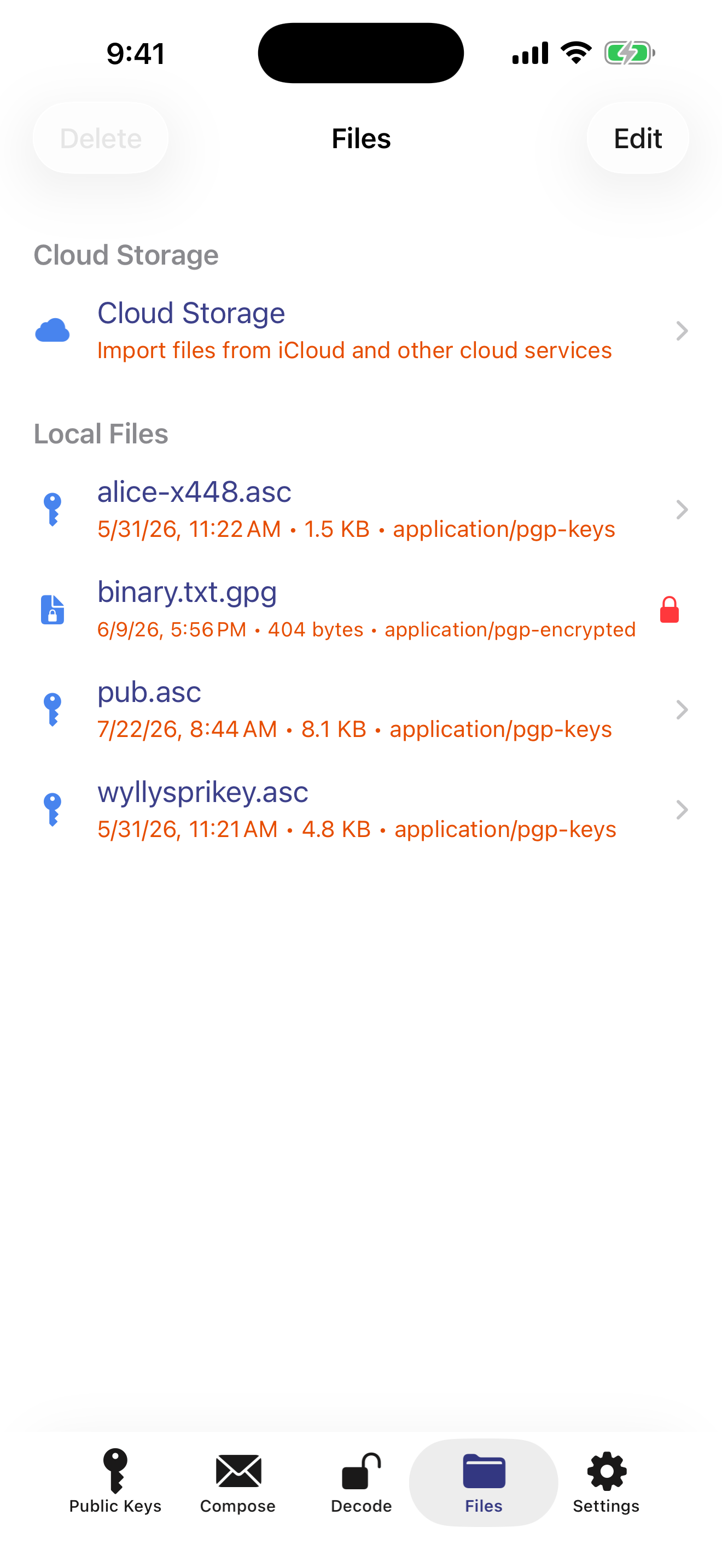
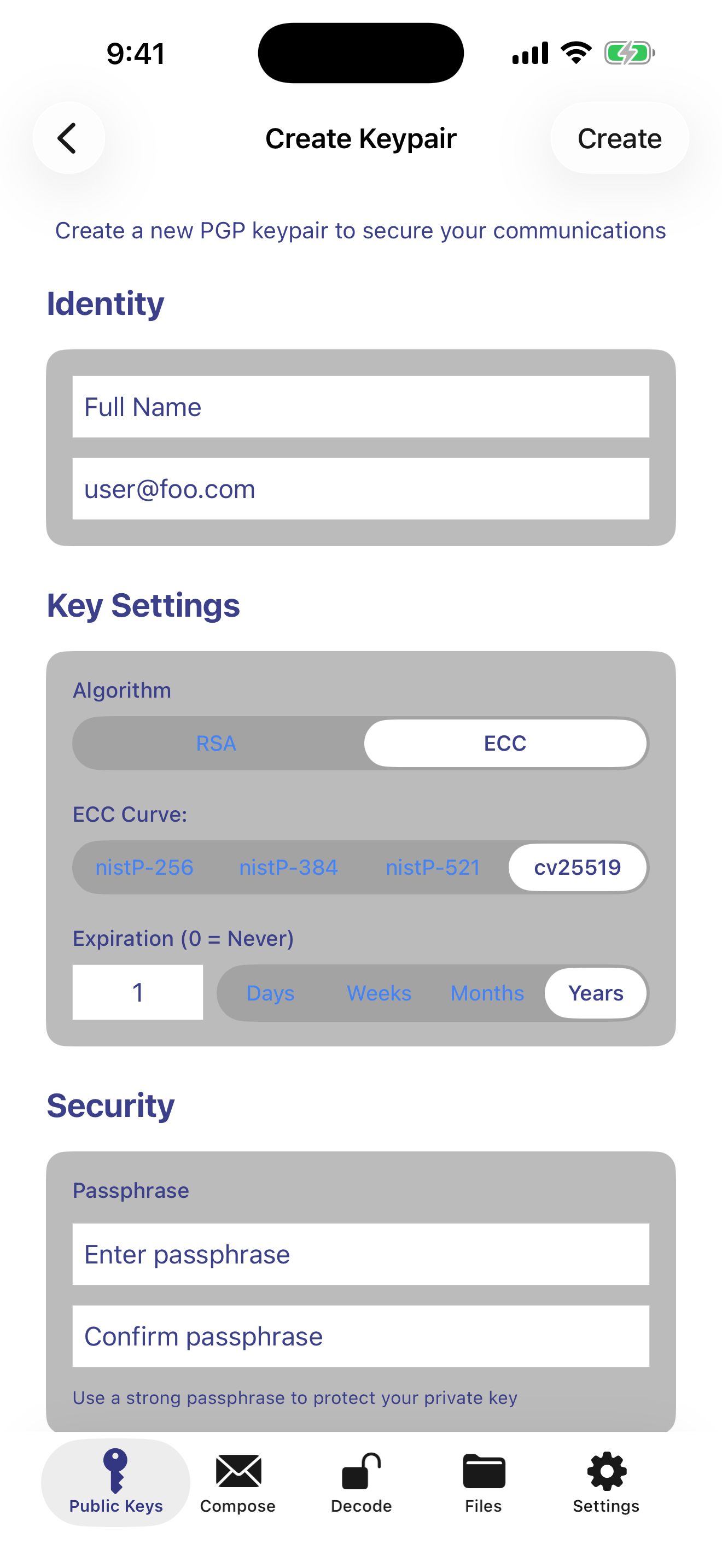
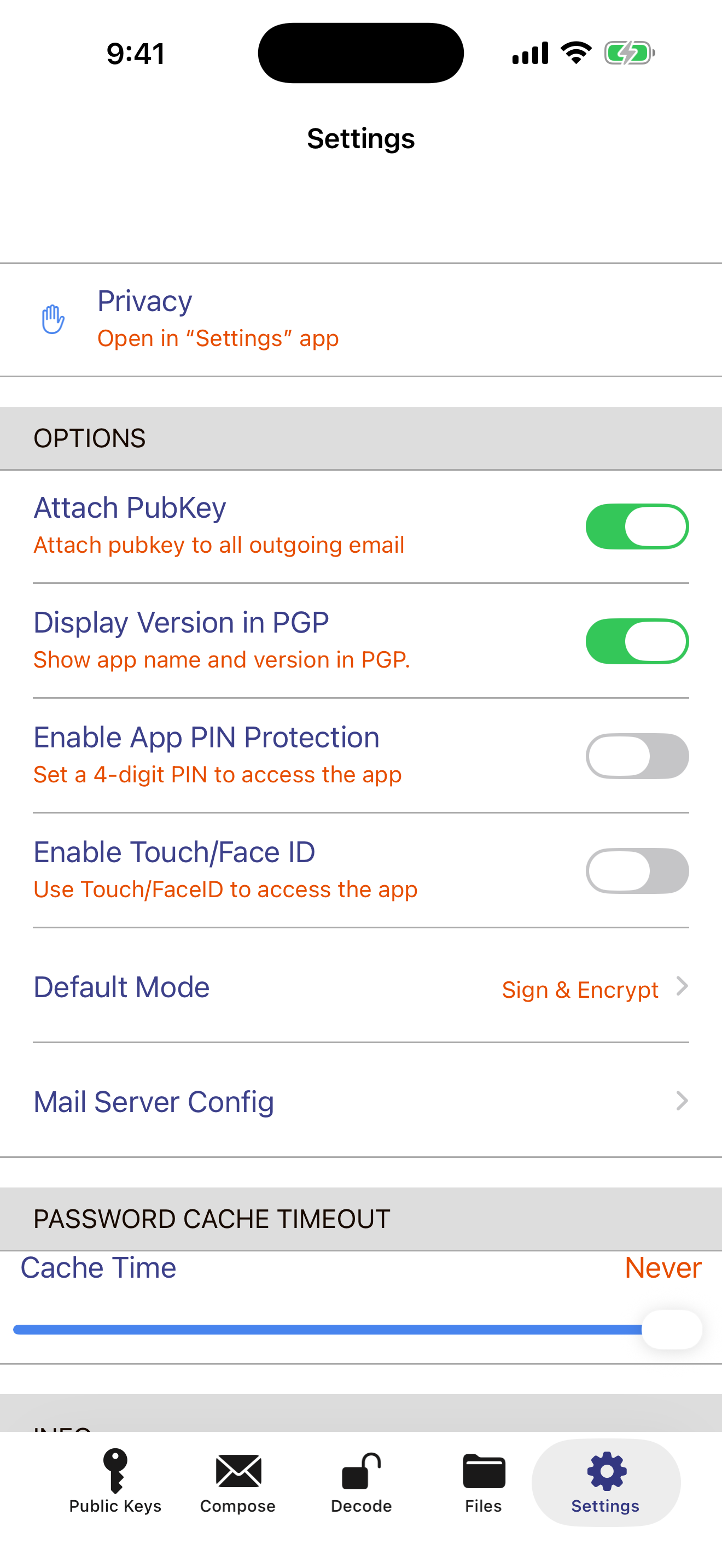
Three steps, then it's routine.
Encryption and decryption happen entirely on your device. You only need a connection to send the mail.
Bring or make a key
AirDrop your existing private key from your Mac, or generate a new keypair on the device in seconds.
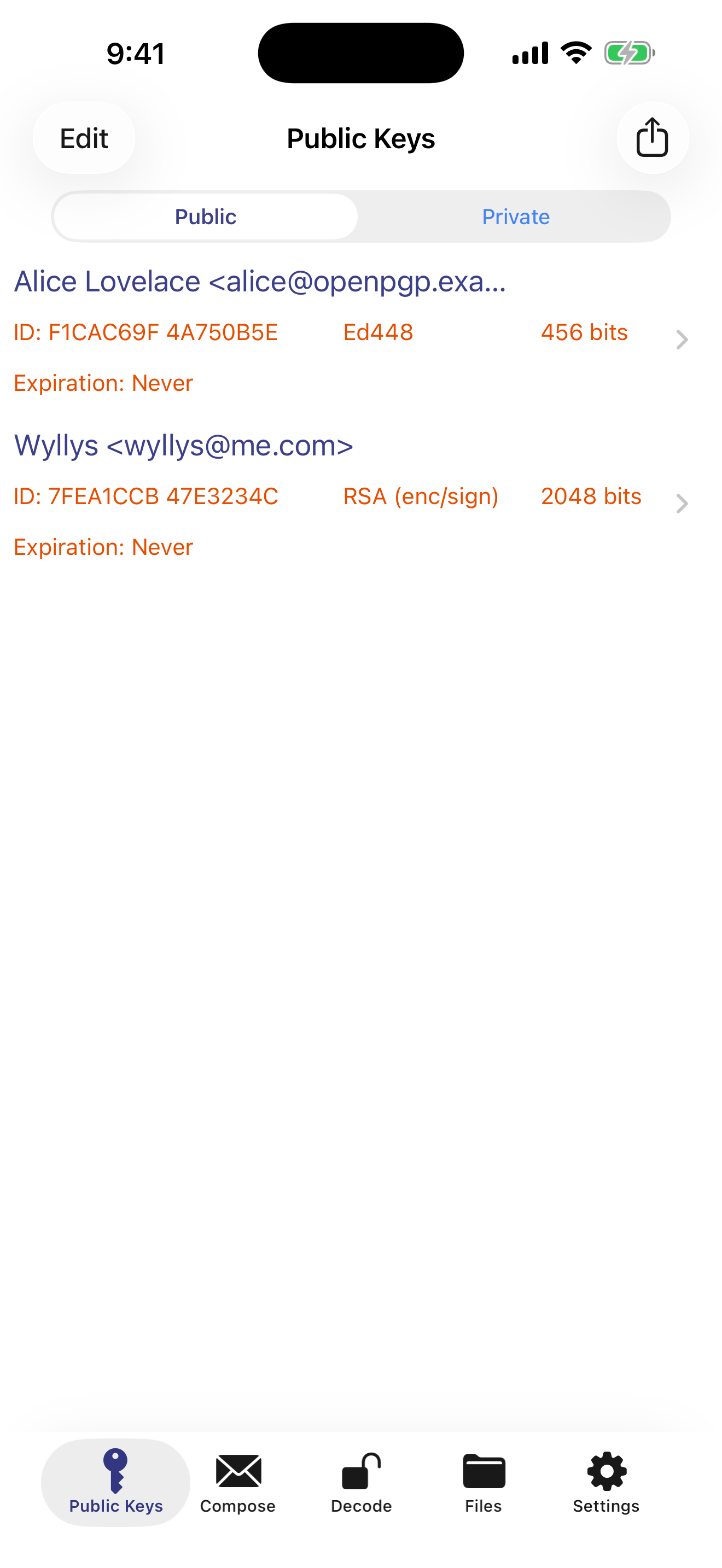
Collect public keys
Import from a file or the clipboard, or search a keyserver such as keys.openpgp.org by email address.
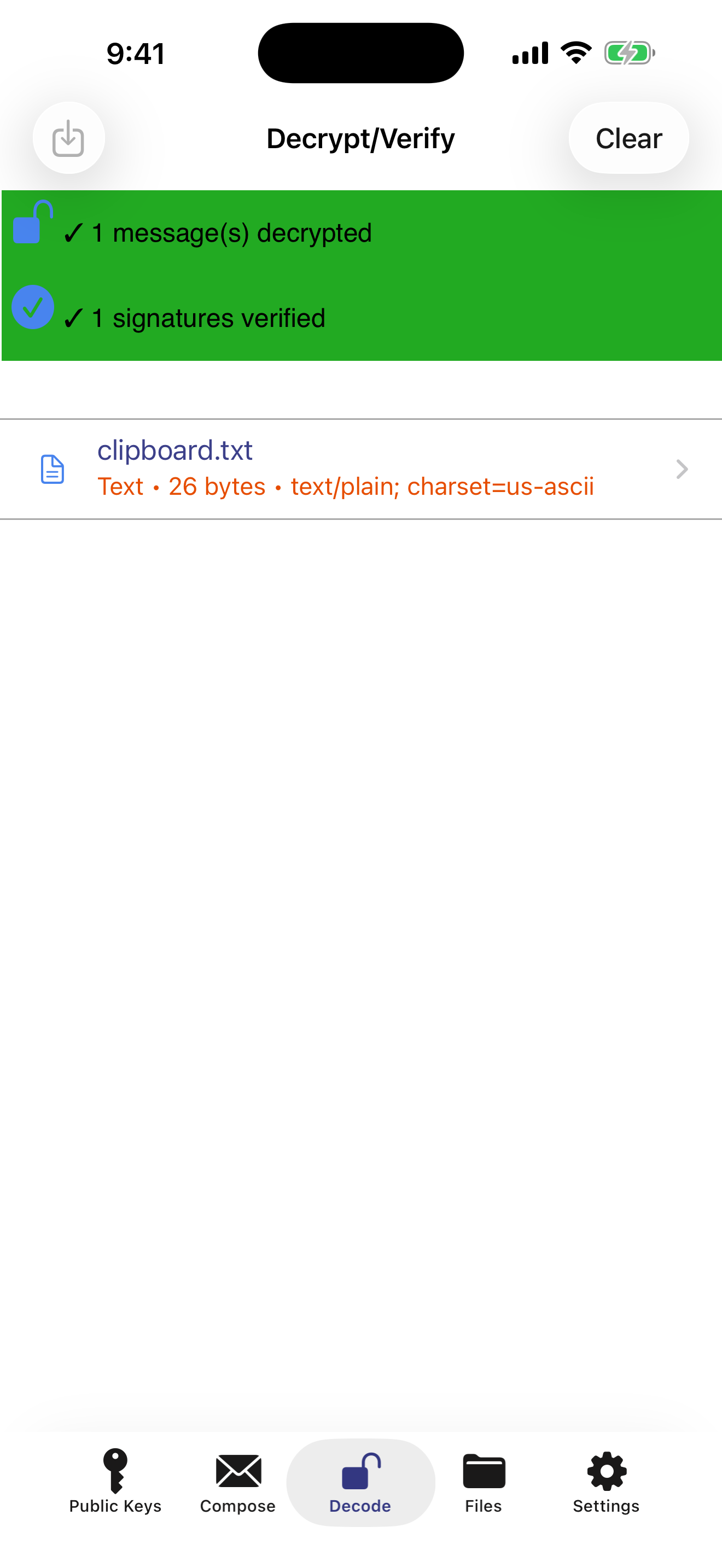
Encrypt, send, decrypt
Write in iPGMail and send through your normal mail app. Incoming PGP mail decrypts by sharing the attachment into iPGMail.
Privacy you pay for once.
$3.99 · one-time purchase · no subscriptions · no ads · no tracking